Floating licenses of a client
Goal: you assign a floating license to a client’s users.
Prerequisite: the floating license must be activated first. If you have floating licenses, you can assign them to users.
Step by step
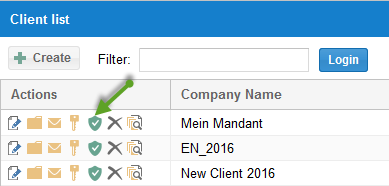
Select Administration > Clients.
Click the Shield button.
Mark the license for the users who are allowed to work with it.
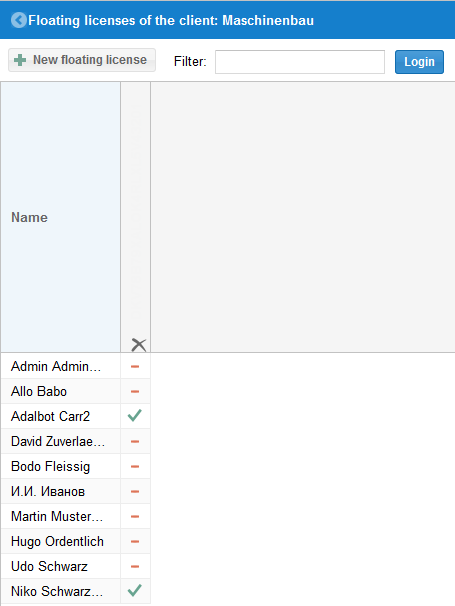
Check the result
The marked users can work with the floating license.
Add a new floating license
You add a new floating license via the following button:
