Organization chart
Goal: you arrange the hierarchical structure of users for administration, timesheet, and vacation planning.
Prerequisite: you are logged in as administrator.
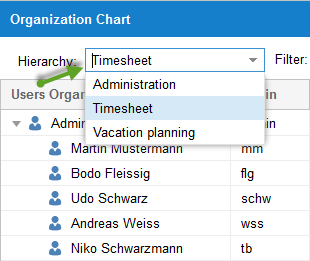
This hierarchy is relevant for administration, e-mail notifications, timesheet, iCalendar, timeline, and vacation planning. It shows all users listed by hierarchy. There are three types of organization chart:
Administration (e-mail notification, iCalendar, timeline)
Timesheet
Vacation planning
Step by step
Select Administration > Organization chart.
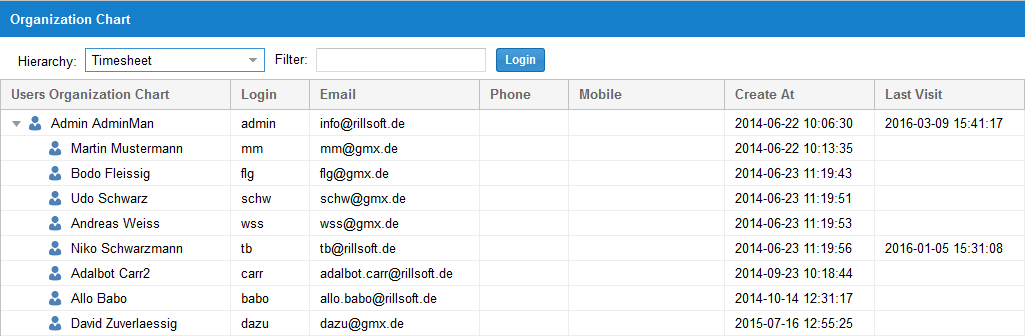
In the Administration field, select the desired organization chart type.
Change the arrangement via Drag & Drop.
Check the result
The new hierarchy is visible in the selected organization chart type and affects the associated notifications and releases.