Define a user’s client access
Goal: you define which clients a user is allowed to work with.
Prerequisite: the user already exists, see New user.
Step by step
Select Administration > Users.
In the Actions column
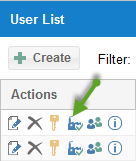
click the button
 .
.In the corresponding cell, click
 (revoke) or
  (grant).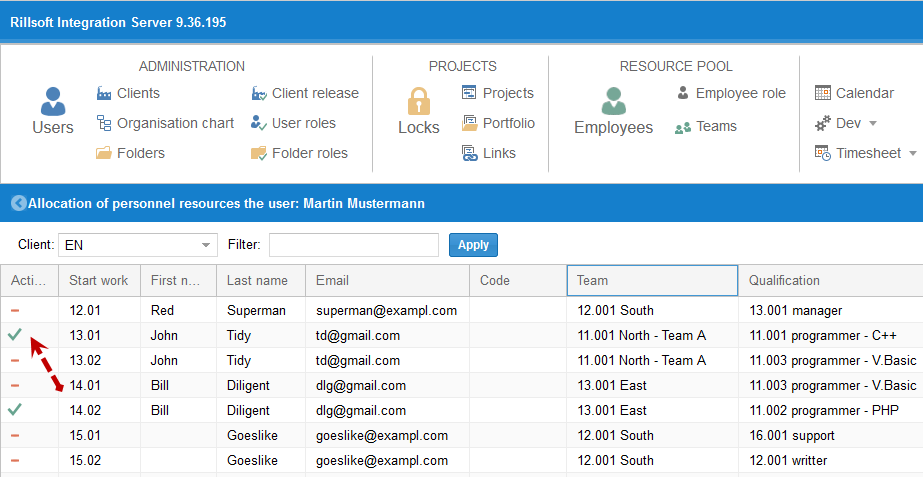
Alternatively, you can
select the menu item Administration > Client release
to release the client for several users at once.
Check the result
The released client appears in the user’s client access list; the user can now work with its resource pool and projects.