Subordinate personnel resources to a user
Goal: you subordinate personnel resources to a user so they can enter working times or vacation requests on their behalf.
Not all personnel resources need to be entered as users in Rillsoft Integration Server. Even so, relevant scheduling information such as worked hours or vacation requests for these individuals can be entered by other users — for this, you subordinate the corresponding personnel resources to a user.
Step by step
Select Administration > Users.
In the Actions column
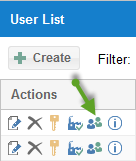
click the resource button
 .
.In the list that opens, assign or remove the desired personnel resource using the
 symbol.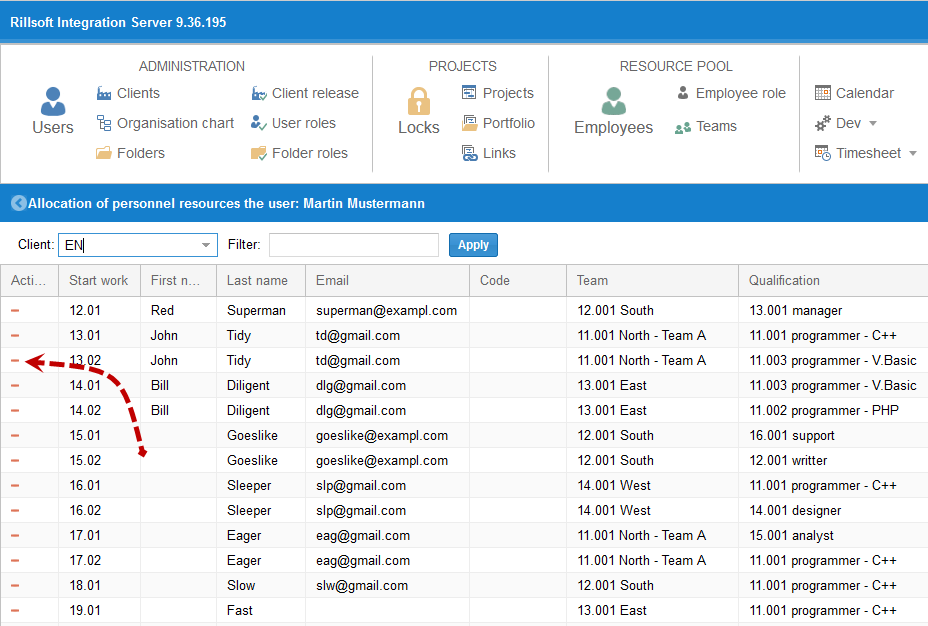
Check the result
The assigned personnel resources appear in the user’s list; they can enter working times and vacation requests for them.