Enable Teamwork with Summary Projects
With Rillsoft Integration Server, several project managers plan in Rillsoft Project at the same time. Each maintains their own project, all use the same resource pool, and with the summary project related projects are opened together, linked and planned like one project. Summary projects can also be added to a portfolio.
This applies to both operating models: on-premises server and Rillsoft Cloud.
This section describes what you set up as administrator so that this teamwork works. How project managers work together in Rillsoft Project is described in the Rillsoft Project help: Plan as a Team: Multi-User Work and Summary Projects.
Video: multi-user work in Rillsoft Project
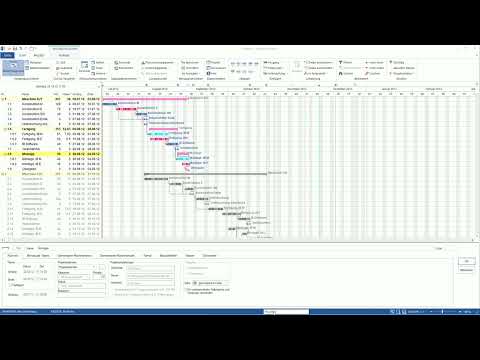
Multiprojektplanung im Team: Multiuserarbeit – Rillsoft Project (YouTube, in German, approx. 8 minutes)
What Rillsoft Integration Server provides
Building block |
Meaning for teamwork |
|---|---|
Central data storage |
Projects, portfolios, summary projects and the resource pool are stored on the server instead of in local files. |
Client with resource pool |
Each client has exactly one resource pool. All projects that are planned together belong to the same client. See Create your first client. |
Folders and folder roles |
Define who may see, change, lock or unlock which projects. See Folders and Folder roles. |
User roles |
Control folder-independent rights, for example for portfolios, cross-project links and the resource pool. See User roles. |
Locks |
Prevent changes made by several users from overwriting each other. See Monitor locks in team operation. |
Floating licenses |
Determine how many users can work at the same time. See Floating licenses in detail. |
Typical scenarios
Several project managers plan their own projects with the same employees.
A large undertaking is split into several projects, for example by trade or department. An overall project management opens all parts as a summary project.
PMO or executive management evaluate summary projects together with other projects in the portfolio.
The same setup applies to all three scenarios, see Set up Rillsoft Integration Server for several project managers.
Related topics
multi-user work, multi-user, multi-user operation, teamwork, summary project, several project managers, rillsoft cloud, ris, integration server, cloud, on-premises, on-premises server, operating model, it-administration