Delete user
Goal: you delete a user.
Prerequisite: you are logged in as administrator under Administration > Users.
Step by step
In the user’s row, click the delete icon button
 .
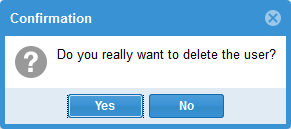
.Confirm the security prompt with Yes if needed.
Check the result
The user no longer appears in the active user list under Administration > Users.