Edit user properties
Goal: you edit the master data of an existing user.
Prerequisite: the user already exists, see New user.
Step by step
In the user list, in the user’s row, click the Pen button.

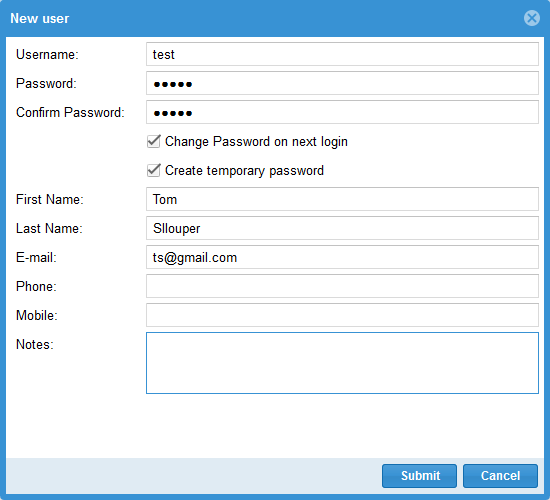
In the dialog, change the desired properties and save.
Check the result
The changed master data appears in the user list under Administration > Users.