New user
Goal: you create a new user.
Prerequisite: you are logged in as administrator under Administration > Users.
Step by step
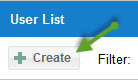
Click the New user button.
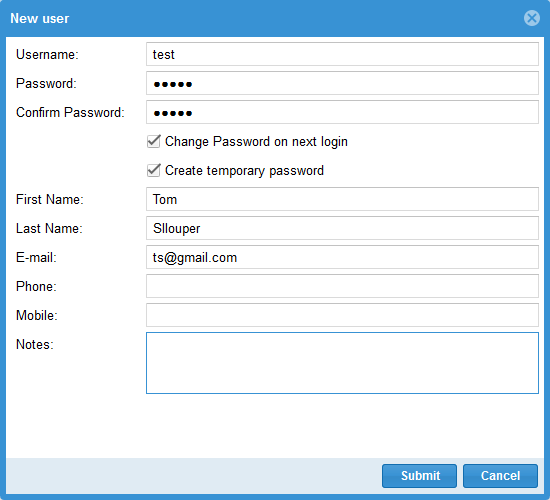
In the dialog, enter the user’s master data and save.
Check the result
The new user appears in the user list under Administration > Users.
Next steps: assign the user client access (Define a user’s client access) and a user role (Customize user access rights).