Vacation Import
Goal: you import non-working times from an external system into Rillsoft Project, so vacation and sick days are entered automatically in the resource pool.
Prerequisite: employees are identified by their e-mail address.
Step by step
Click the Vacation Import button.
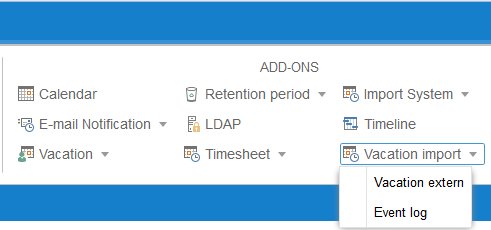
Select the External vacation menu item. You get all projects ready for import from your external system.
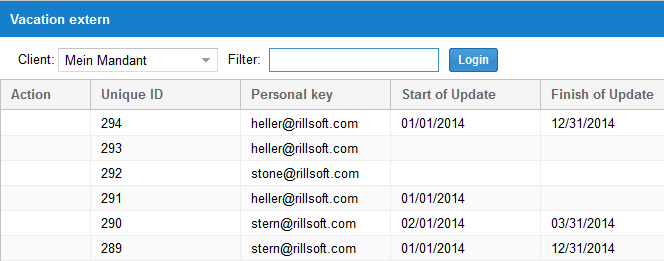
Check the result
After clicking Event Log, you can see whether the import completed successfully.

Note
You can automate the import by creating a scheduled task under Start > Control Panel > Administration > Task Scheduling.