LDAP
The LDAP interface lets you import existing users from a user management system such as Active Directory (AD) into Rillsoft Integration Server. This way, existing users and passwords can be managed centrally in one place in AD.
Note
LDAP integration is available exclusively on the on-premises server, not in the cloud variant of Rillsoft Integration Server, see Cloud vs. on-premises operation.
Functions
User import from Active Directory
User login via Active Directory
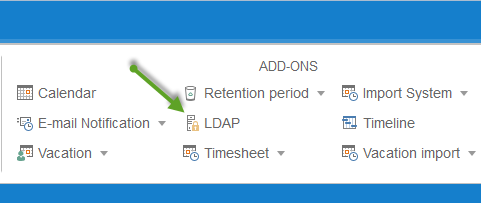
After clicking the LDAP button,
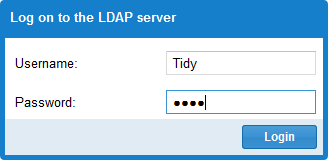
the login dialog for your LDAP server appears.
After a successful login, you can see the list of all users registered in your LDAP.
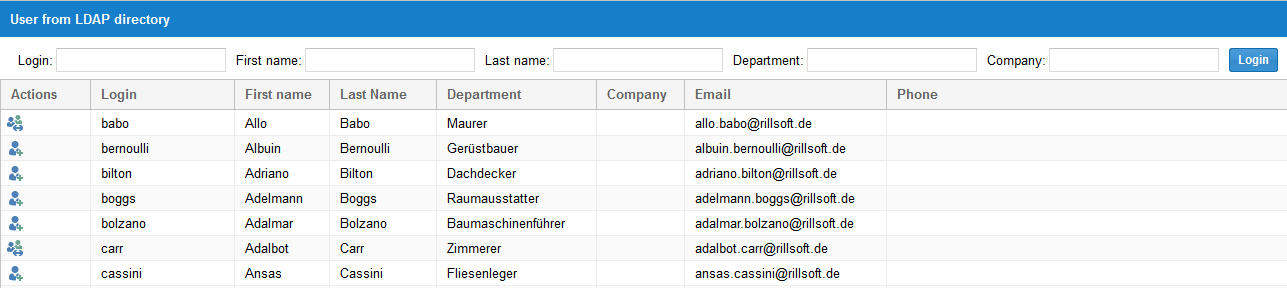
Import LDAP users into Rillsoft
If you click the Person-Plus button in the Actions column, this person is imported as a user into Rillsoft and can log in with their usual password.

Related topics
ldap, active directory, import users from ad, ad integration, single sign-on, sso, it-administration