Why can’t a user log in?
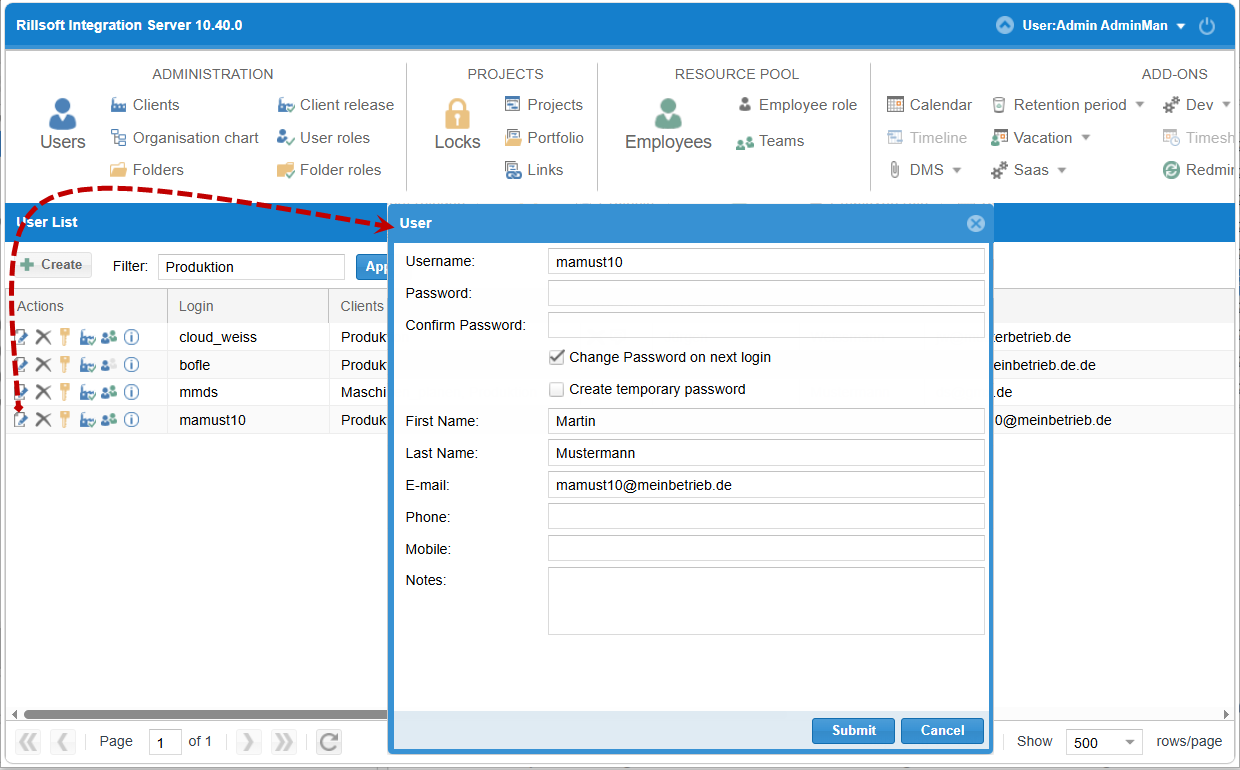
Most often it is due to incorrect or expired credentials, a user connected via LDAP who has not yet been imported into Rillsoft Integration Server, or the user has been deleted. First check under Administration > Users whether the user is still listed there.
Symptom
A user enters their credentials, but the login to Rillsoft Integration Server fails.
Possible causes
The credentials (username/password) are incorrect or expired.
The user logs in via LDAP/Active Directory but has not yet been imported as a user in RIS. LDAP integration is available exclusively on the on-premises server, see Expert Knowledge.
The user has been deleted in RIS.
Check steps
Go to Administration > Users and check whether the user appears in the active user list, see Manage users and permissions.
If the user is supposed to log in via Active Directory: under Add ons > LDAP, check whether the user has already been imported from the AD list via the Person-Plus button, see Expert Knowledge.
Action
Credentials incorrect/expired: A new, temporary password can be sent to the user via an e-mail template, see E-mail templates list.
LDAP user not yet imported: Import the user from the AD list via the Person-Plus button — afterwards they can log in with their usual password.
User deleted: Rillsoft Integration Server provides the access right Restore deleted user, see User roles. Alternatively, create the user again, see Create your first user and assign a role.
Related topics
Expert Knowledge — LDAP integration
login problem, login failed, user deleted, ldap not applied, user, account, access, client sharing, it-administration